
Coach · History
Workout history
Every completed live workout lands in History with a timestamp, program name, and the sets you actually performed — not just what was planned. Scroll back before you design next week to see whether volume crept up or stalled.
History is private by default but respects program visibility if you share a plan with followers. Use it to verify consistency for prep or to show a coach what you did between check-ins.
Screenshots
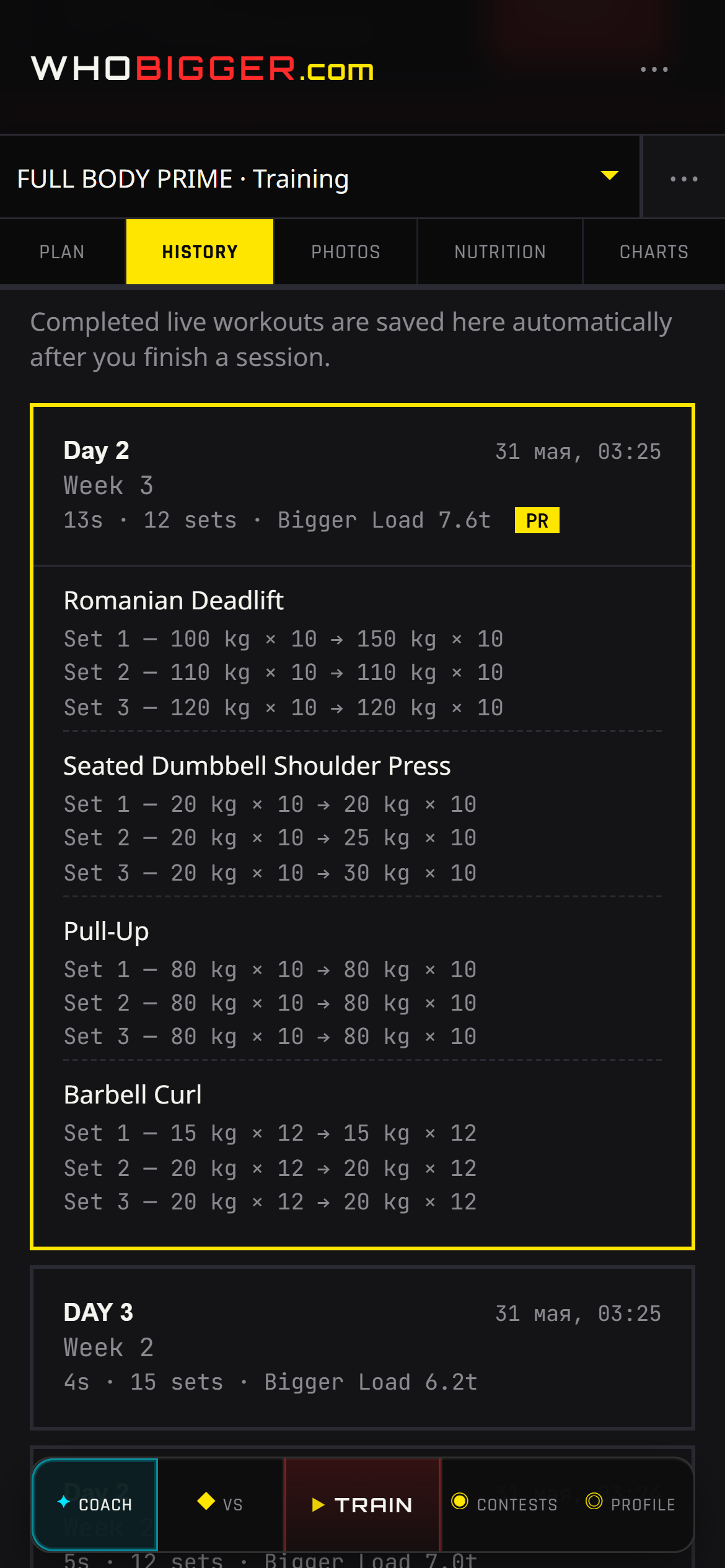
How to use it — step by step
- 1Open Coach and switch to the History tab.
- 2Browse sessions newest-first; each card shows date, workout name, and duration.
- 3Open a session to review exercises, sets, reps, and weights logged.
- 4Compare weeks mentally or jump to Progress charts for trends.