
Coach · Photos
Progress photos
Numbers do not tell the whole story on stage. The Photos tab lets you attach check-in images to specific program weeks — ideal for contest prep, client coaching, or your own before/after timeline.
Photos follow the same visibility rules as the rest of your program. Keep them private while cutting, or share when you want supporters to see the journey alongside your public profile.
Screenshots
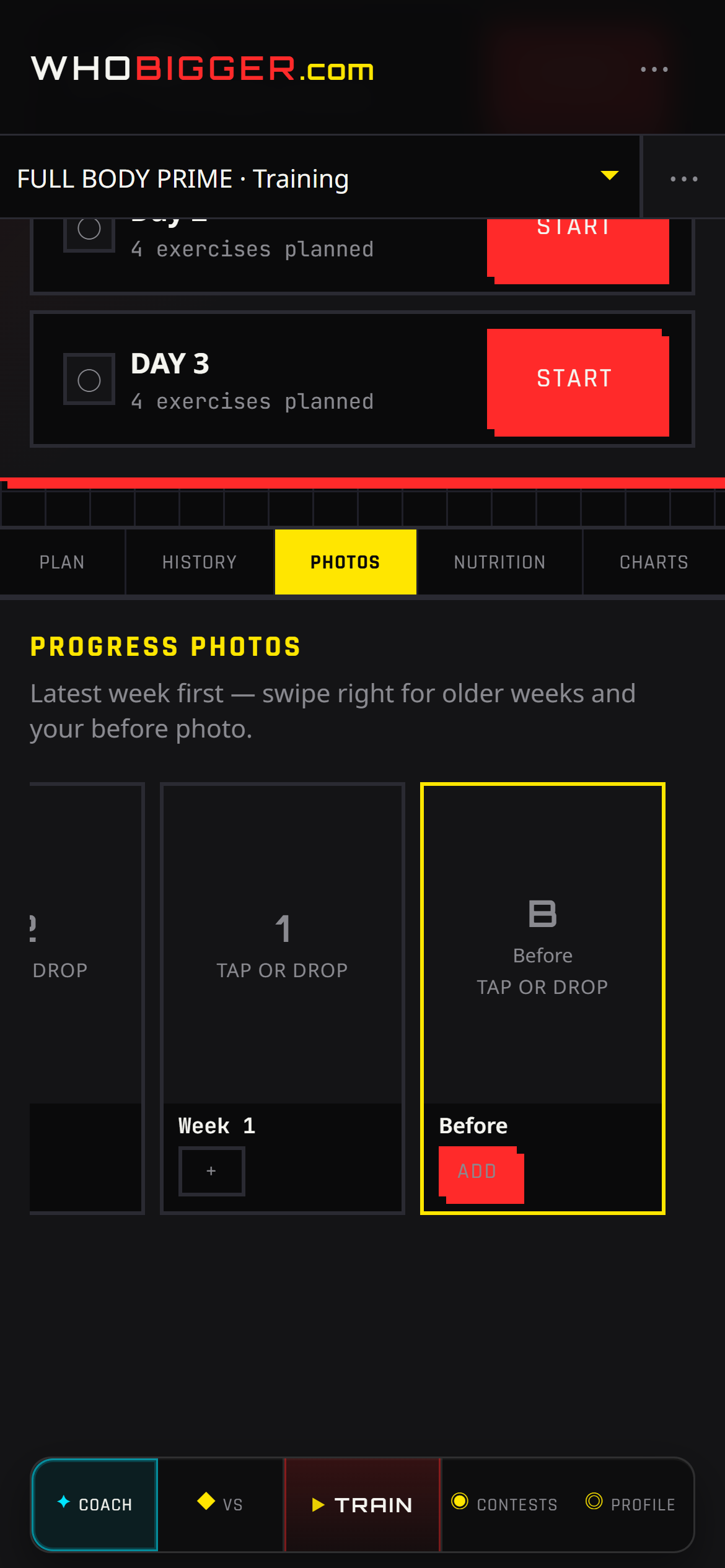
How to use it — step by step
- 1In Coach, open the Photos tab.
- 2Select the program week you are documenting.
- 3Upload or replace images (front, side, back — however you shoot).
- 4Swipe between weeks later to compare conditioning.