
Coach · Programs
Training program builder
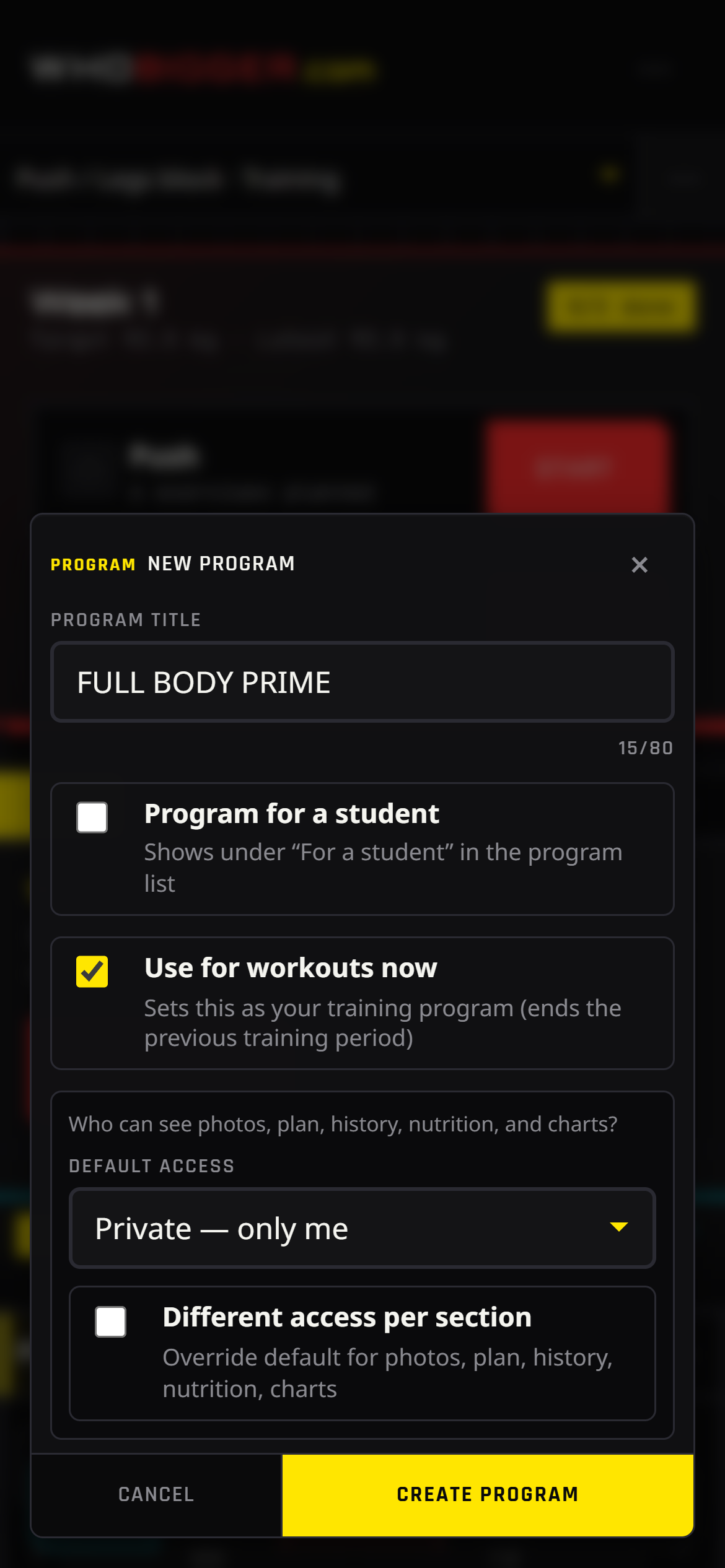
WhoBigger Coach is more than a contest profile — it is a full program editor you can run from your phone. Create separate plans for yourself or for athletes you coach, switch between them from the sidebar, and mark one program as your active training plan so live workouts and nutrition always use the right context.
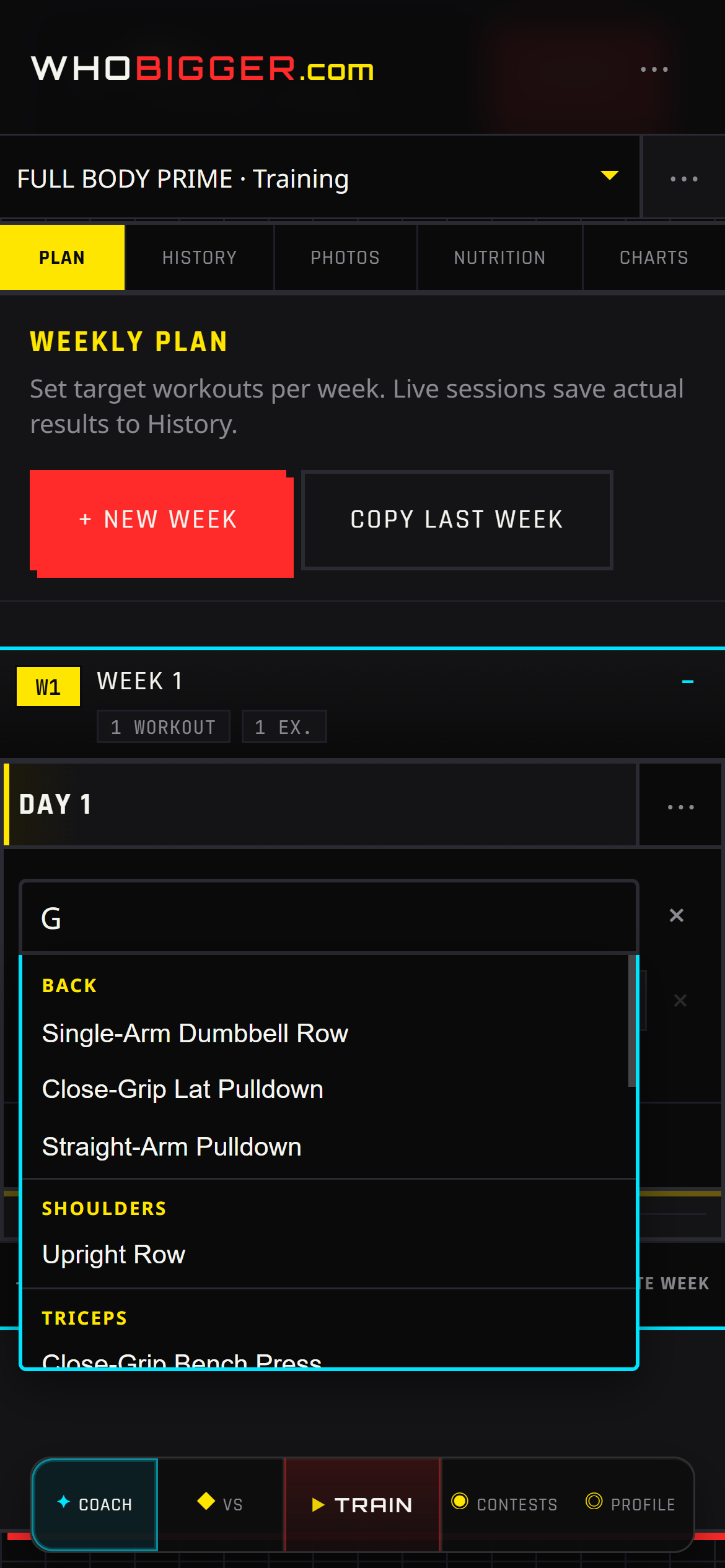
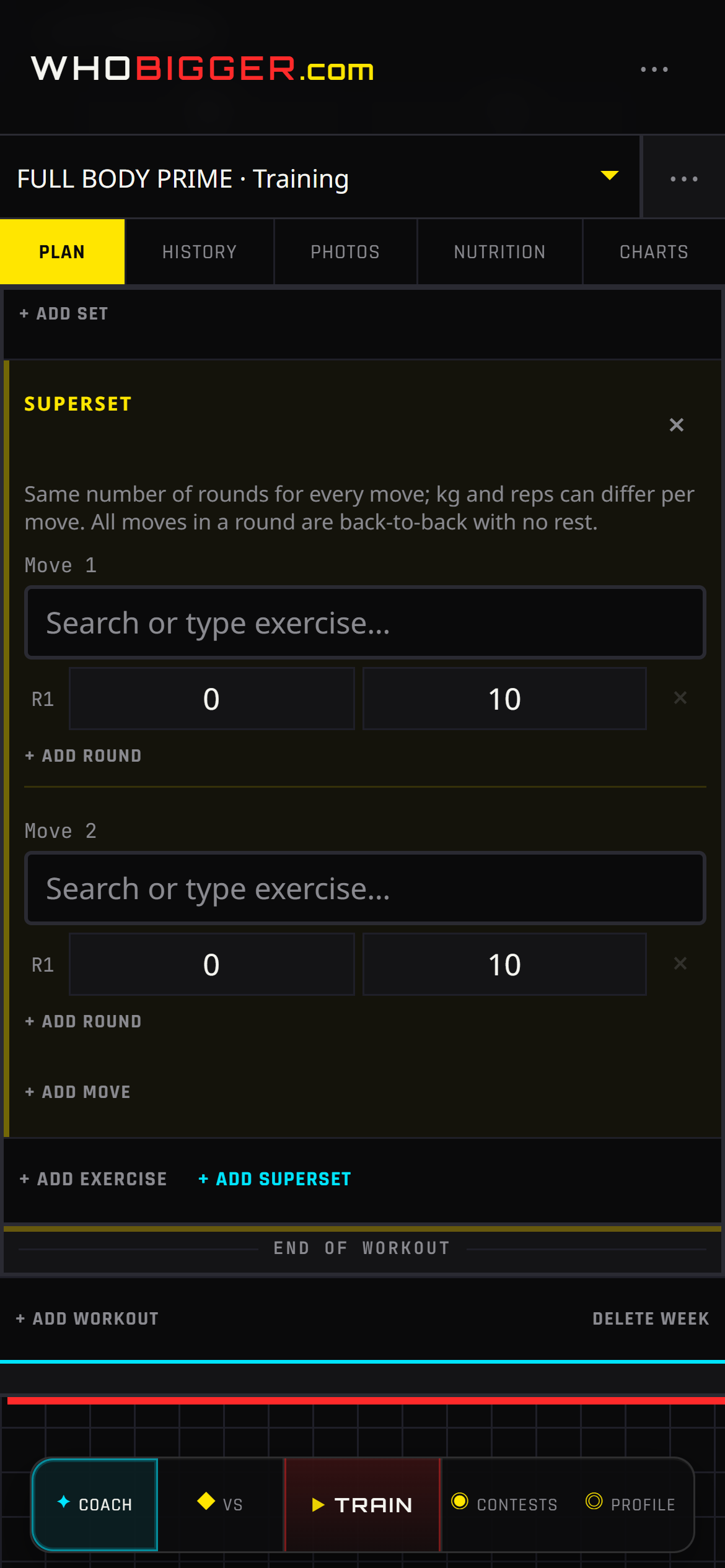
Each program supports weekly structure: training days, exercise blocks, target sets and reps, and advanced layout like supersets. Fork programs from others, rename blocks, and keep everything autosaved while you edit.
Screenshots
How to use it — step by step
- 1Sign in, then open Plan to edit your program.
- 2Tap + New program or pick an existing plan in the left sidebar.
- 3Name the program and add weeks; open a week to edit training days.
- 4Add exercises from the library or create custom movements; set sets, reps, and notes.
- 5Group exercises into supersets when you want back-to-back work with minimal rest.
- 6Open the ⋯ menu → Train with this to set the plan you will use in the gym.