Platform guide
Weekly body weight chart gym app
About weekly body weight chart gym app
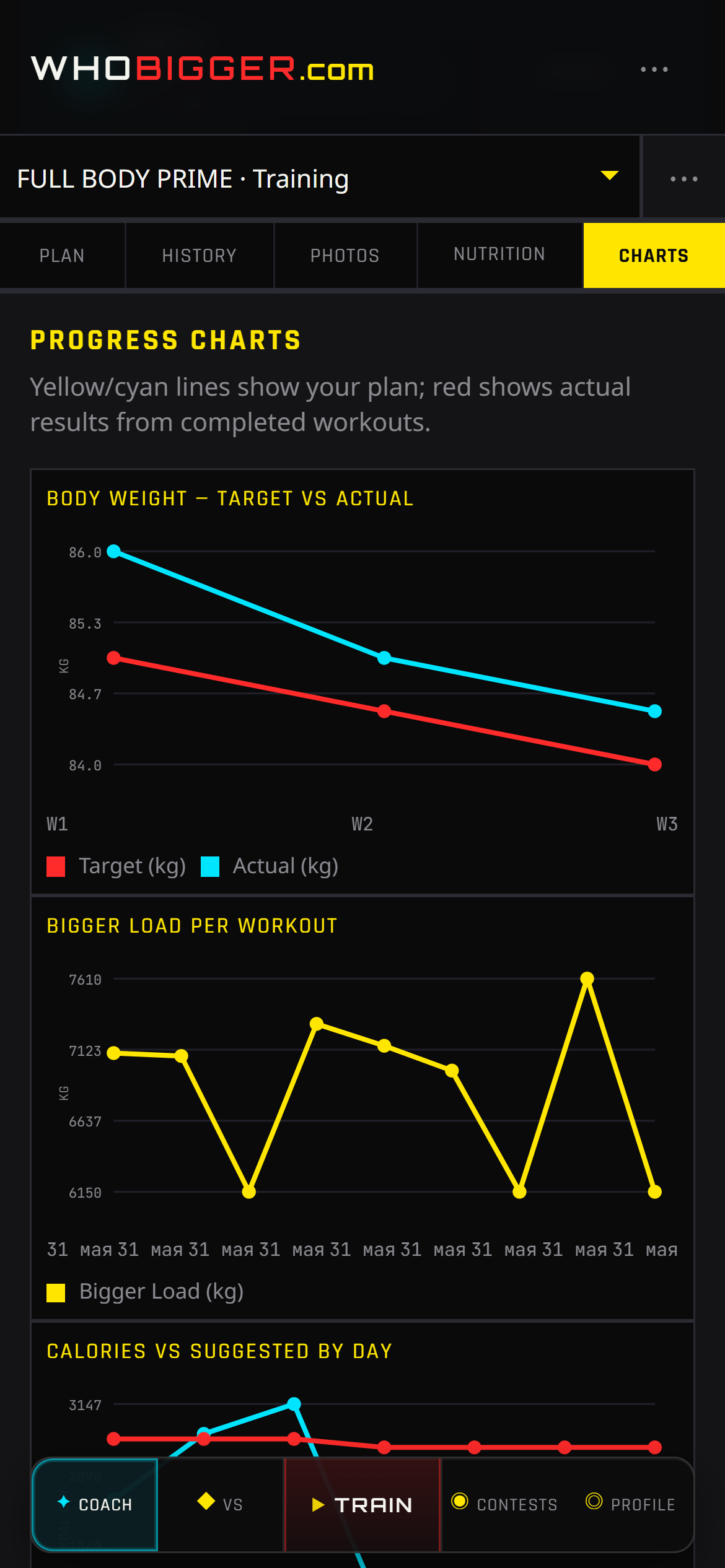
Weekly body weight chart gym app turns logged workouts and weigh-ins into trends you can act on. WhoBigger charts training volume, body weight over time, and goal progress from data already captured in live sessions — no duplicate entry.
See whether weekly tonnage is rising during hypertrophy phases or if scale weight is drifting during a contest cut. Charts stay next to history and nutrition so you do not export CSVs to understand momentum.
Athletes using weekly body weight chart gym app on WhoBigger can align chart trends with monthly contest timing — peak photos when the graph says you are ready.
Coach · Progress
How WhoBigger delivers this
The Progress tab turns logged workouts and weekly weigh-ins into charts you can read at a glance. Watch training volume climb during a hypertrophy block, or catch a plateau when the bars flatten while weight stalls.
- Log workouts in Train and body weight under Nutrition when relevant.
- Open Coach → Progress (charts tab).
- Review volume by week and body-weight trend lines.
- Use spikes or drops to plan deloads, diet changes, or contest peak timing.