Platform guide
Track sets reps weight app
About track sets reps weight app
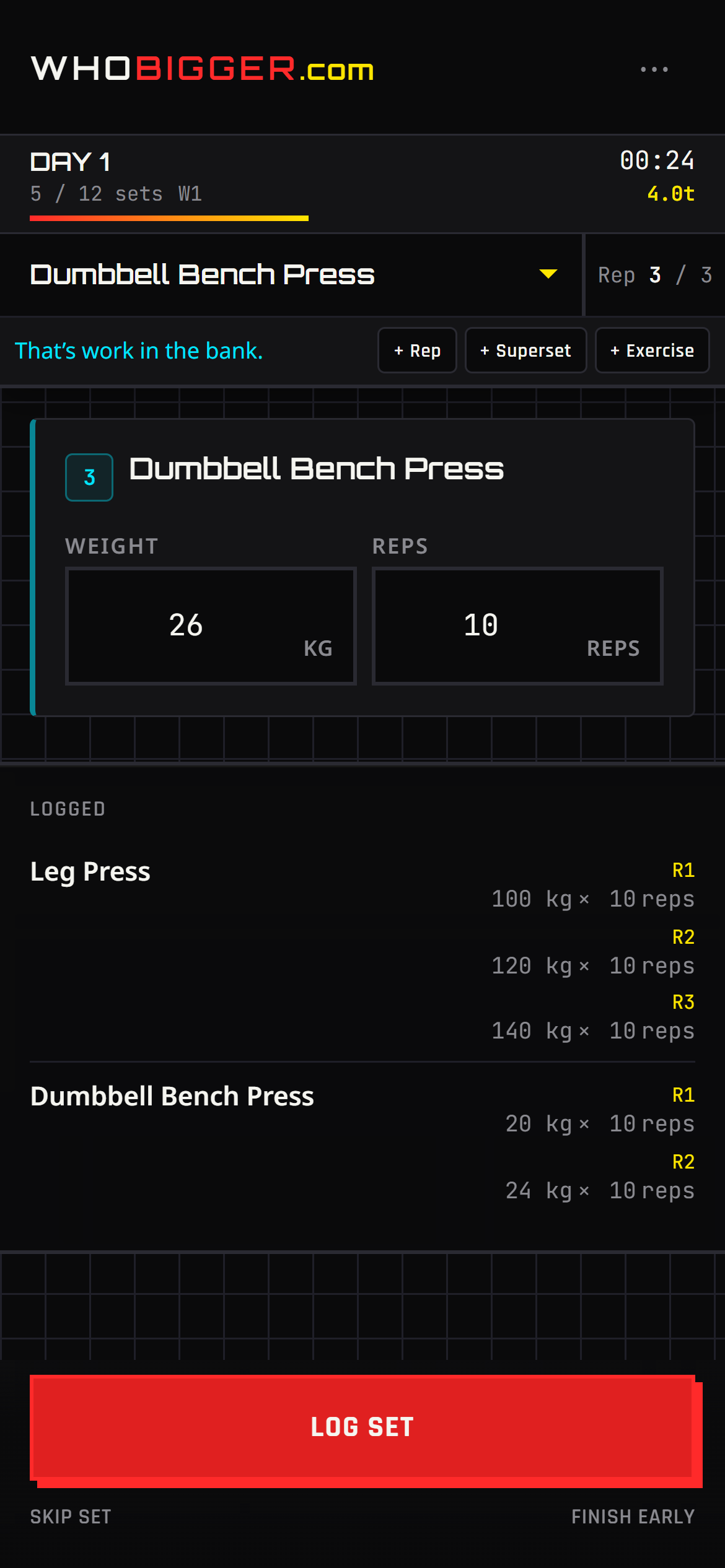
Track sets reps weight app means logging weight and reps while you train — not reconstructing the session from memory later. WhoBigger live workout mode pulls exercises from your active program and lets you complete sets, add extra reps, or throw in another movement mid-session.
The interface is built for the gym floor: see the current exercise, mark sets done, track rest, and finish with a session that syncs to history and volume charts automatically. No spreadsheet tabs between exercises.
Pair track sets reps weight app with online physique contests on the same app: supporters vote on your photos while your training log proves consistency during prep.
Coach · Train
How WhoBigger delivers this
Tap Train in the nav to launch a session built from your active program. The live workout screen is designed for sweaty thumbs: see the current exercise, log weight and reps, mark sets complete, and move on without spreadsheets.
- Set your active program in Coach (⋯ menu → Train with this).
- Tap Train in the top bar or bottom navigation.
- Choose today’s workout from the program schedule.
- For each set, enter reps and weight, then mark the set done.