Platform guide
Create training program for client
About create training program for client
Create training program for client should work on mobile, support real bodybuilding structure (splits, supersets, weekly days), and let coaches assign plans to athletes. WhoBigger Coach includes a full program editor — not a generic workout list — with autosave, fork/copy, and an active program flag that drives live workouts.
Build multi-week plans with exercise blocks, target sets and reps, notes, and superset groupings. Create separate programs for yourself or students, switch from the sidebar, and mark which plan you are running in the gym today.
Contest season or off-season, create training program for client on WhoBigger stays tied to the same account as physique voting and nutrition. Athletes keep one login for programs, logging, and online championships.
Coach · Programs
How WhoBigger delivers this
WhoBigger Coach is more than a contest profile — it is a full program editor you can run from your phone. Create separate plans for yourself or for athletes you coach, switch between them from the sidebar, and mark one program as your active training plan so live workouts and nutrition always use the right context.
- Sign in, then open Plan to edit your program.
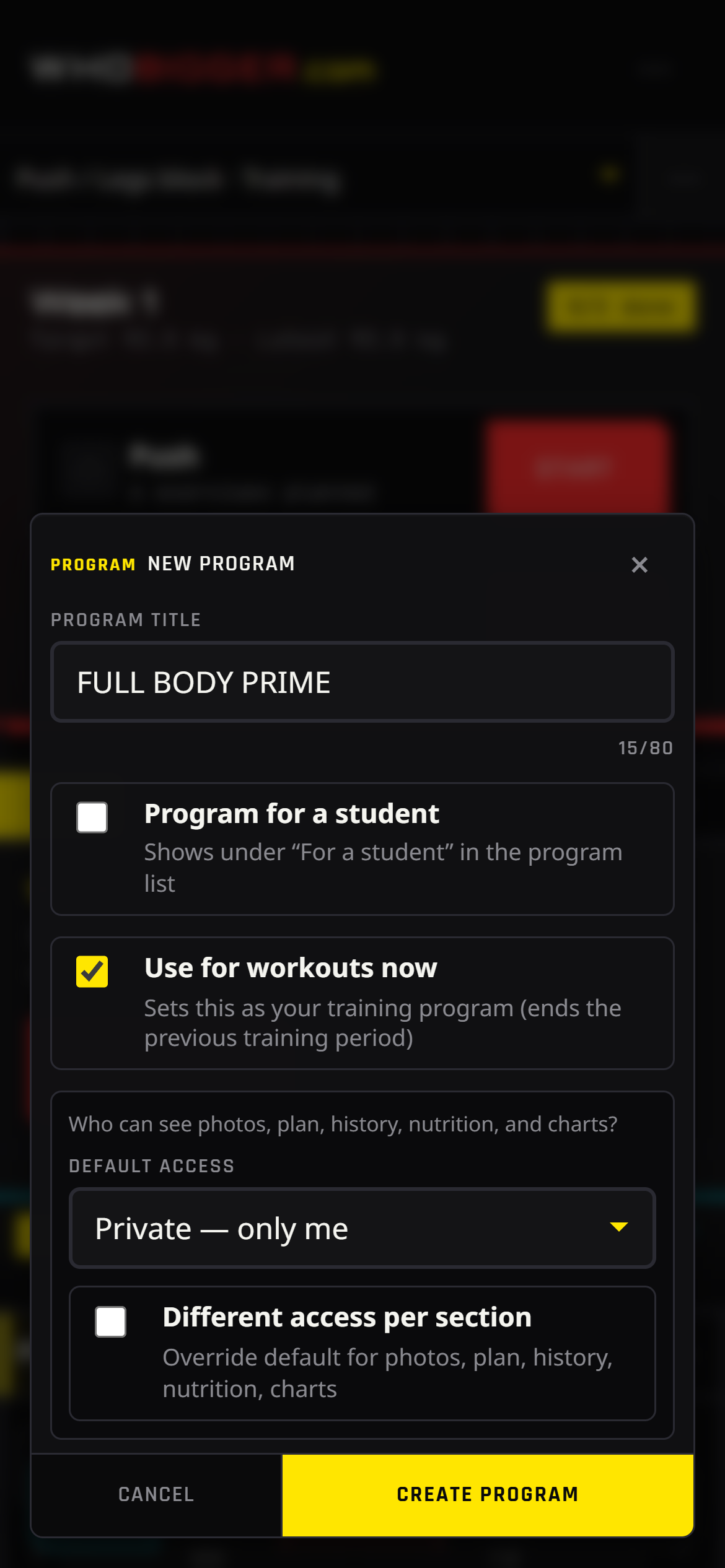
- Tap + New program or pick an existing plan in the left sidebar.
- Name the program and add weeks; open a week to edit training days.
- Add exercises from the library or create custom movements; set sets, reps, and notes.